
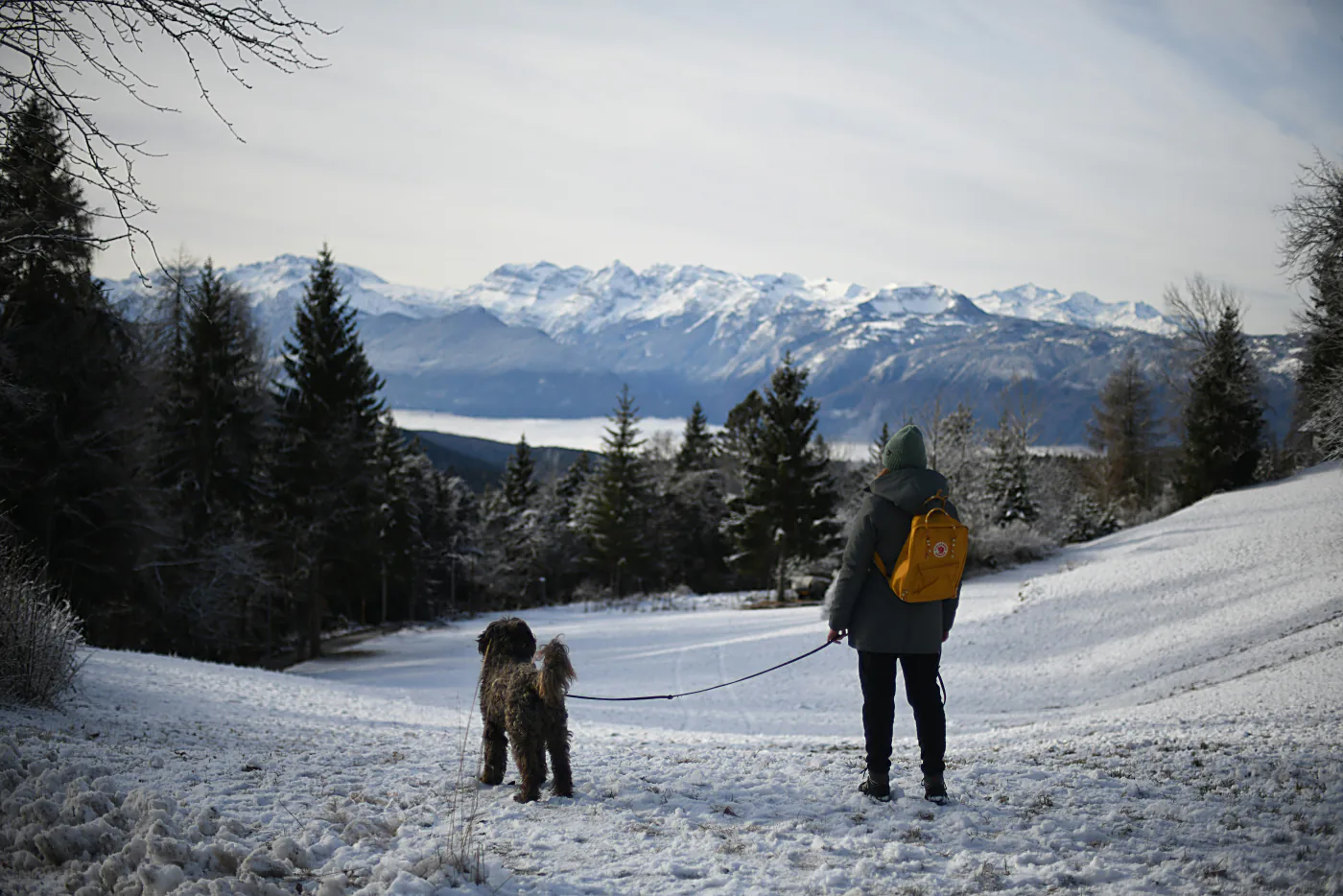
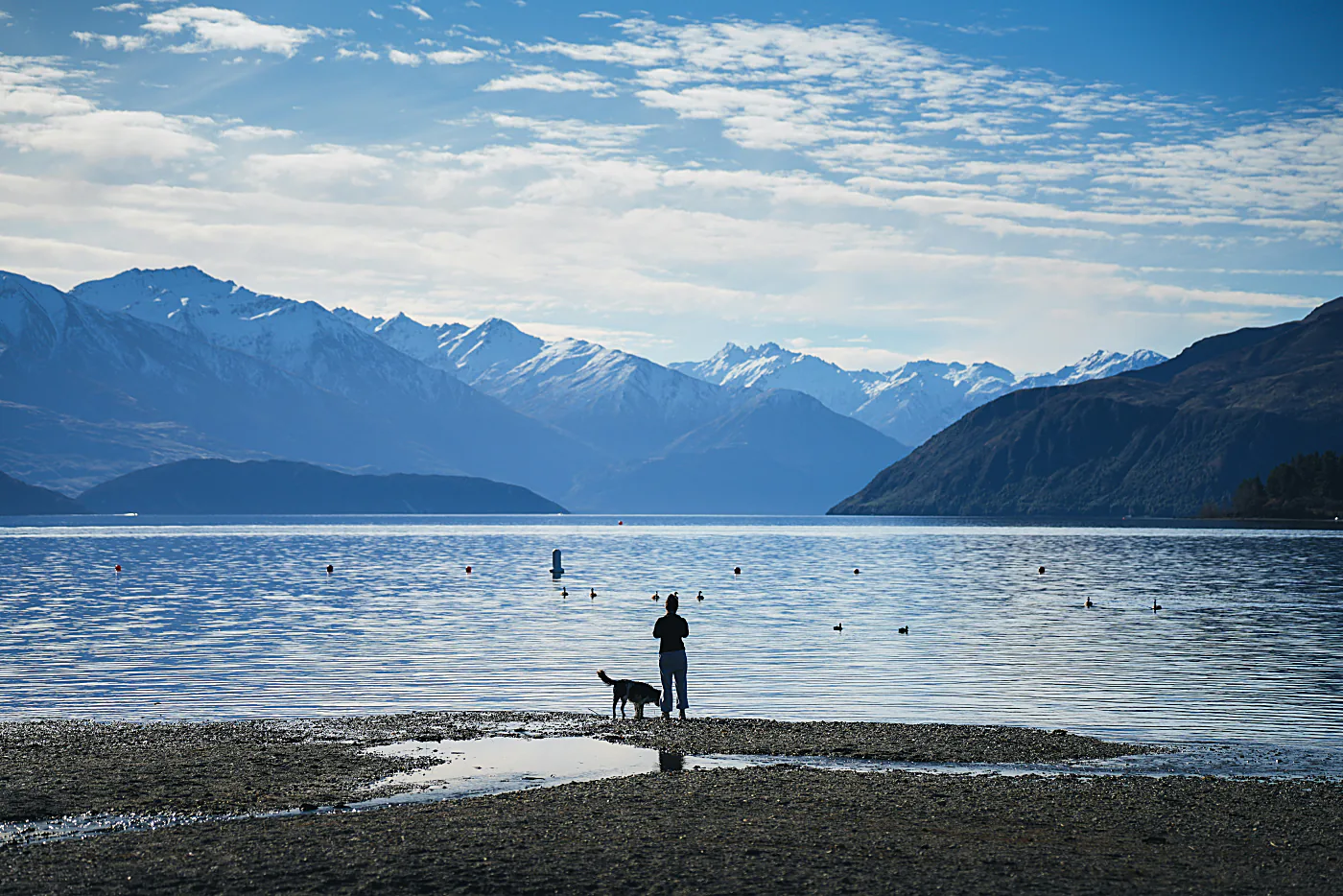
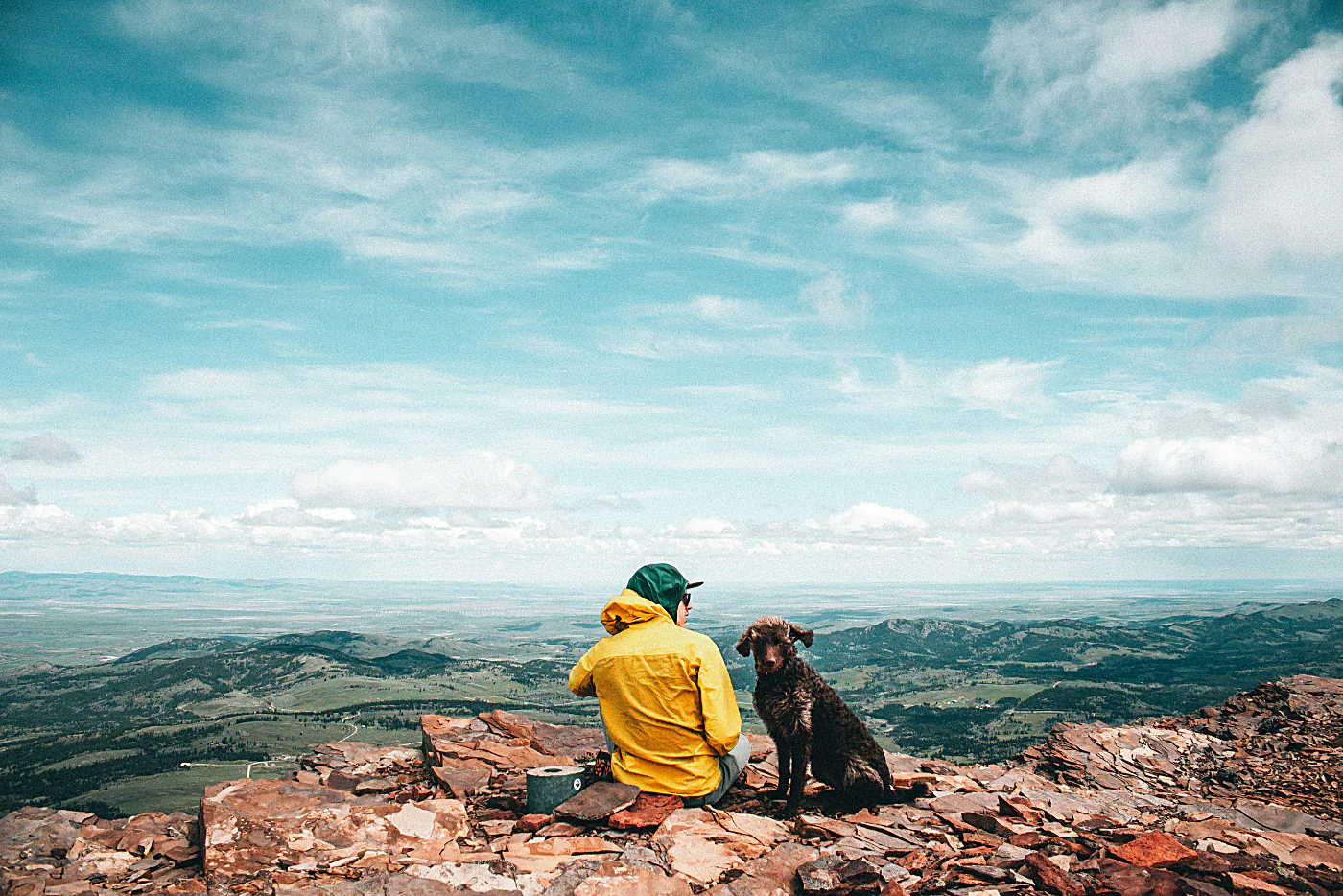
Every walk
counts.


Record every walk:
Turn it into an adventure.
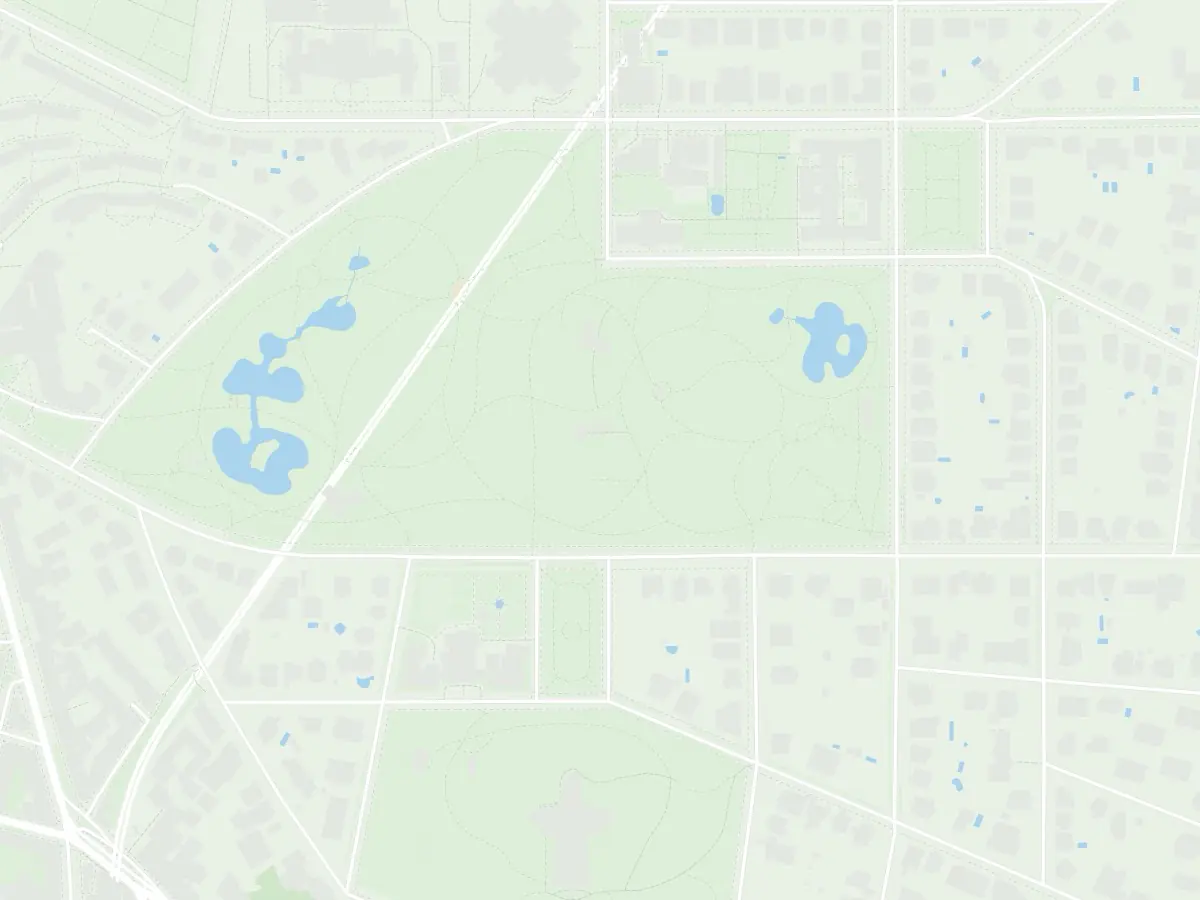
Barnaby records your walk and puts every photo exactly where you took it.
-
Record
Distance, time and pace, without a second thought.
-
Photos where they happened
Every picture lands at its spot on the map.
-
Play it back
Watch the walk again, photos and all.
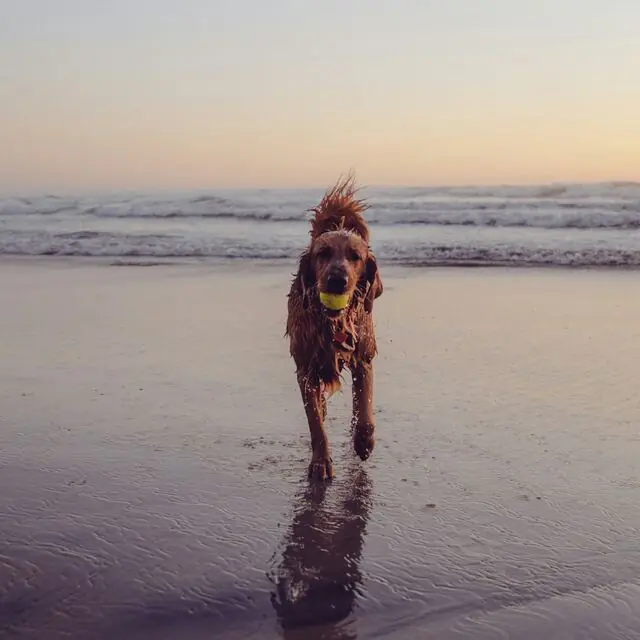
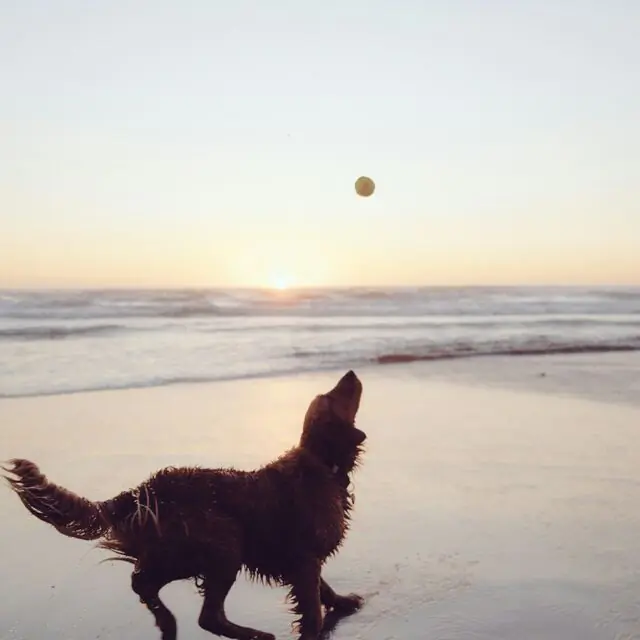
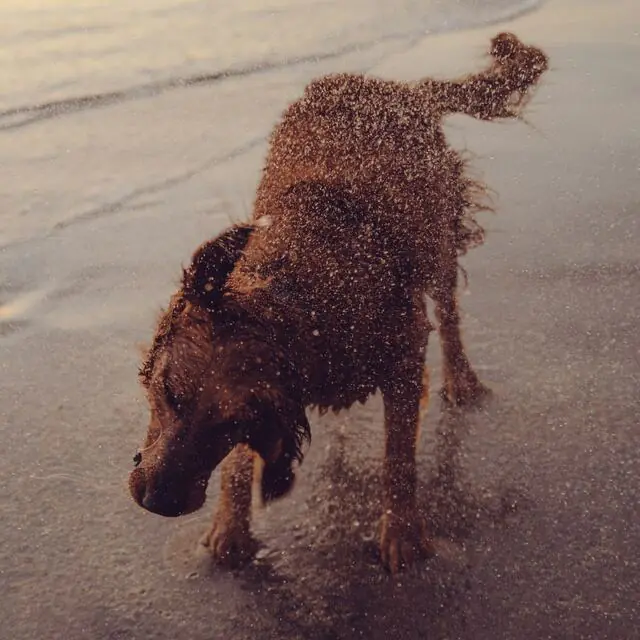
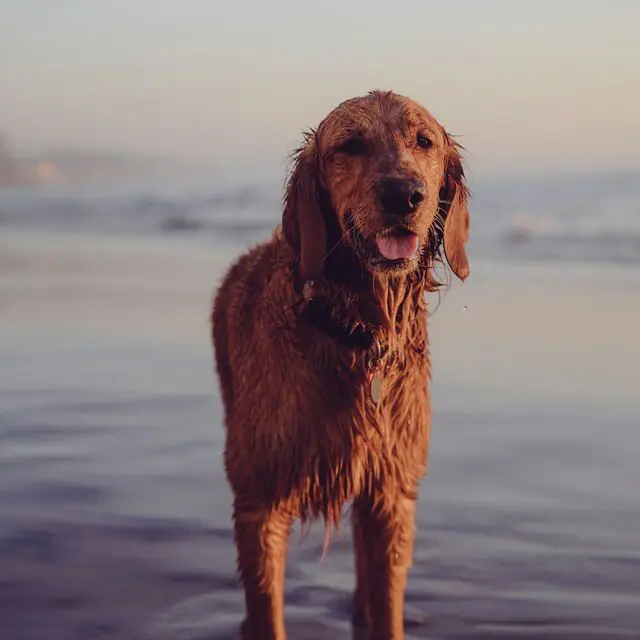
Map data © OpenStreetMap contributors · © OpenMapTiles · OpenFreeMap
The dog-walking app:
This is what Barnaby feels like.
Map data © OpenStreetMap contributors · © OpenMapTiles · OpenFreeMap
This is what your
stats look like.
Every walk ends up here on its own. The example shows Bello after just over two months with the app.
Features:
Everything for the walk. Nothing that distracts.
Barnaby records every dog walk with GPS, free on iOS and Android.
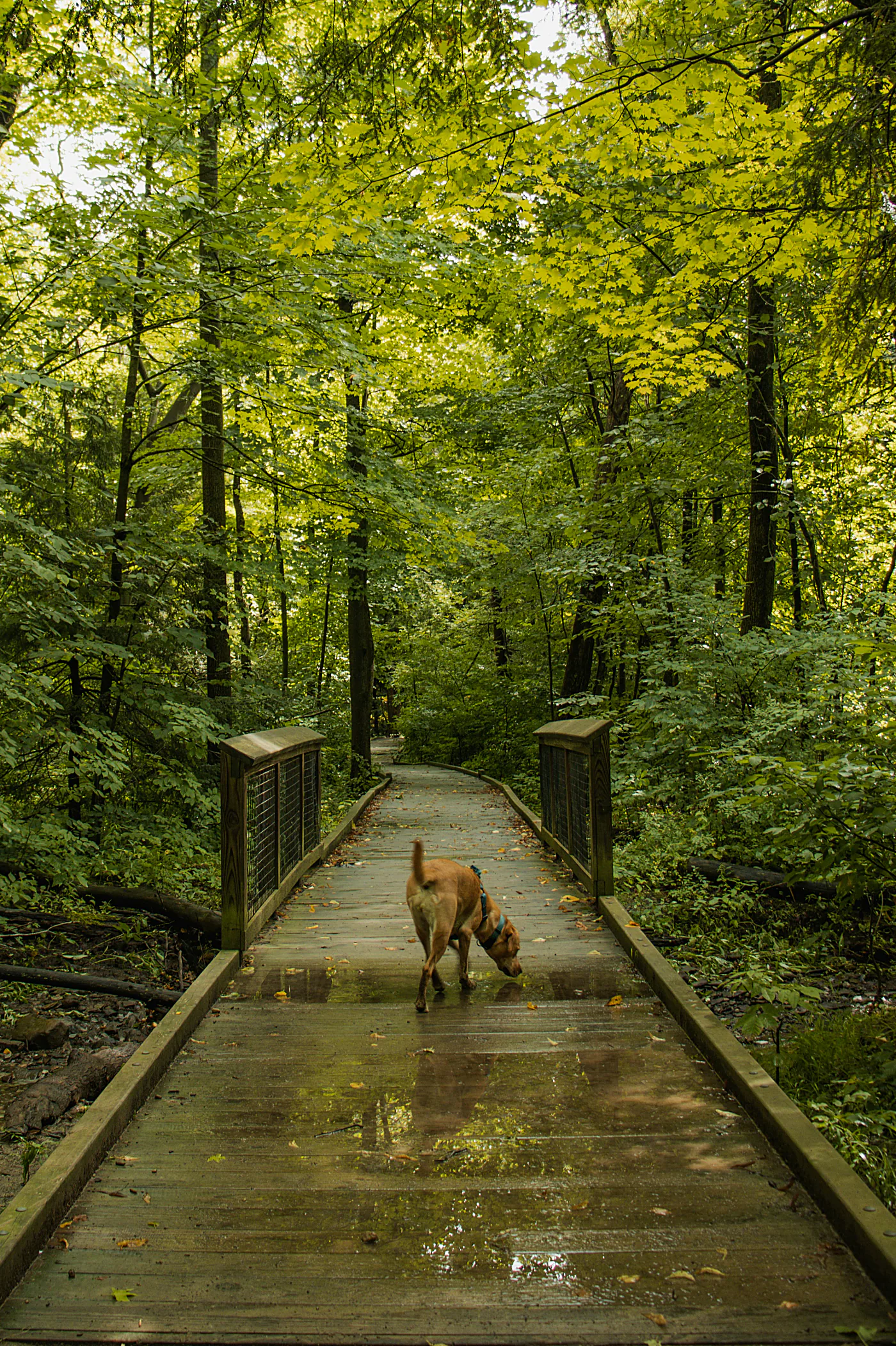
Record
One tap and the walk is on.
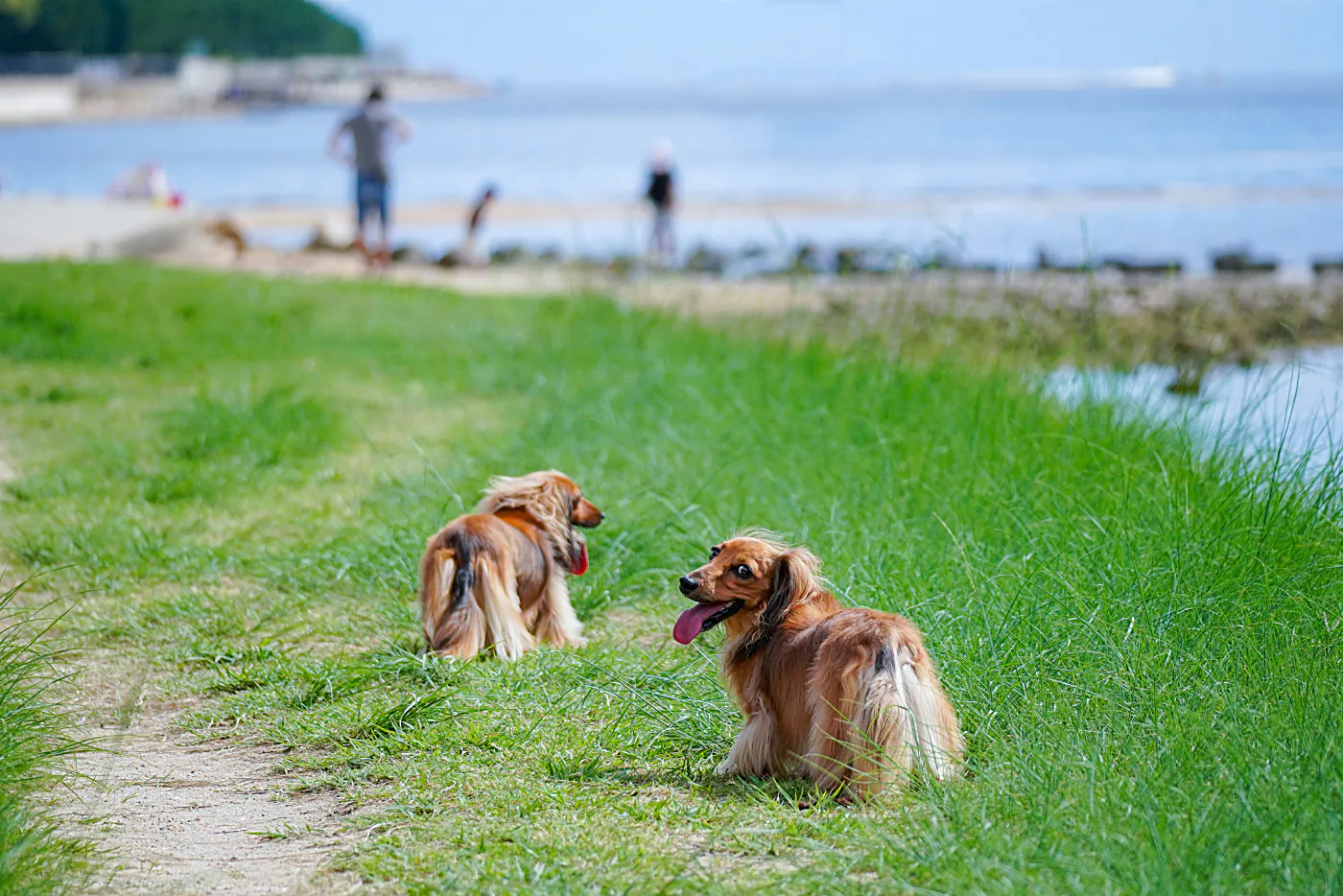 Evening walk by the lake@lena with @ruby · 2h ago
24
Evening walk by the lake@lena with @ruby · 2h ago
24
Feed
Walks from people you follow. No ads.
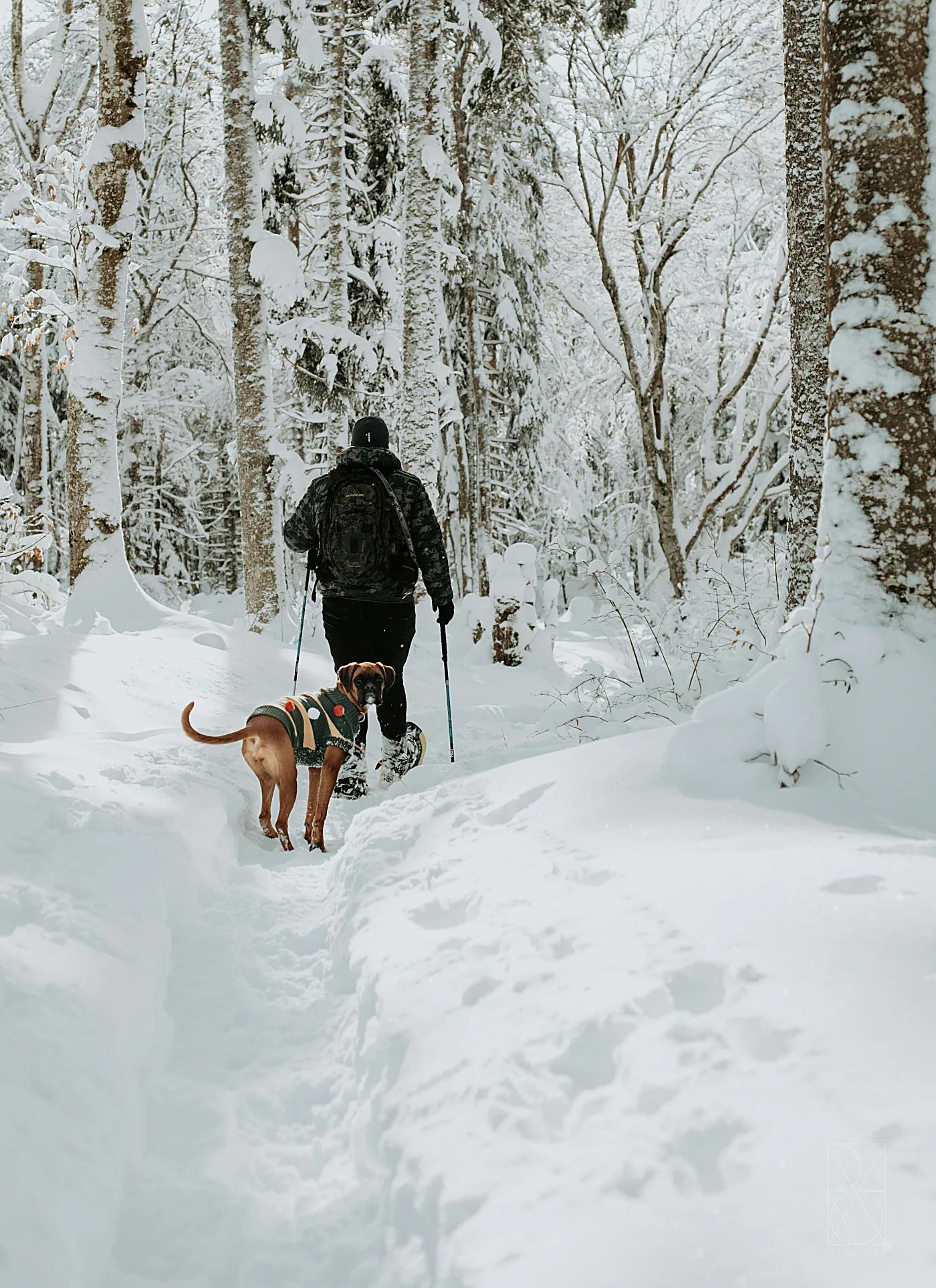
Stats
Week, month, year, sniff time.
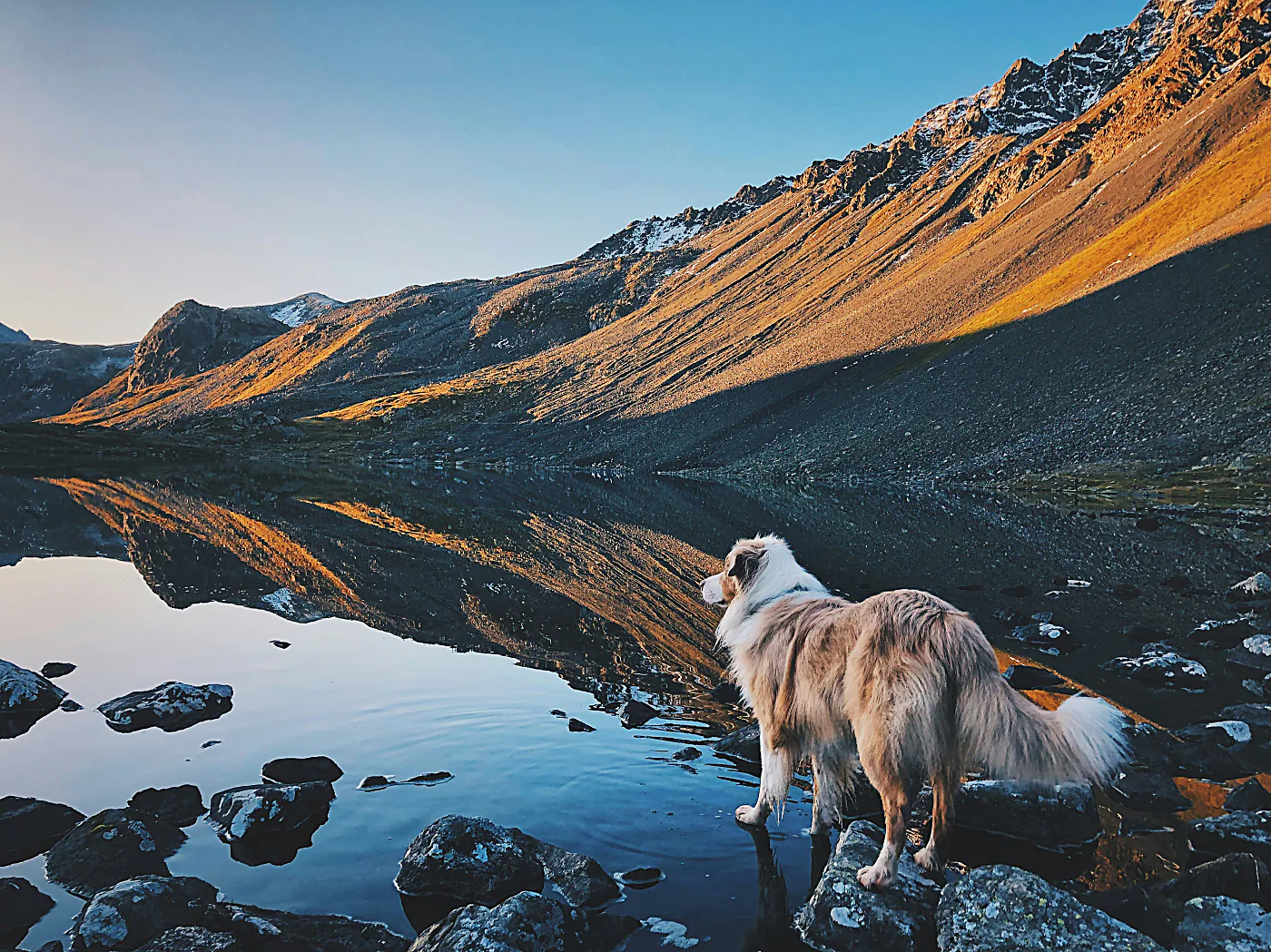
Goals
The bar fills as you walk.
Home zone:
Your front door stays yours.
Home zone hides the start and end of every walk others see: 50 metres by default, anywhere from 25 to 125.
Guide:
Know-how for the walk.
Tips for everyday life with your dog.
-
![]() 01
Walk basics
01
Walk basicsHow often should you walk your dog?
6 min -
![]() 02
Seasons
02
SeasonsWalking your dog in winter: cold, salt and darkness
4 min -
![]() 03
Safety
03
SafetyWalking your dog in hot weather: what to watch for
5 min -
![]() 04
Privacy
04
PrivacySharing your dog walks without giving away where you live
5 min -
![]() 05
Photos & metadata
05
Photos & metadataWhat a photo of your dog says about where you live
5 min - 5All 5 articles
Barnaby is free — every feature, no subscription and no ads.
iOS and Android. Walks, statistics and badges belong to the account rather than the handset, so changing phones costs you none of it.
The home zone hides the start and end of your route (typically your home) from others. Under Settings → Map → “Hide home zone by default” you set whether, which ends (start/end/both), and at what radius (25–125 m) it's hidden.
No. The only thing stored as a route is what falls between the beginning and the end of a walk. While the app is open it also asks for your location to draw the map and show local notes, and none of that is kept.
Only if your account is public – which it is to begin with, unless you are under 18. Then anyone signed in to Barnaby can see your walks. Before your first walk goes online, though, we’ll check with you once that you’re fine with that. If you switch your account to private, only people whose follow request you’ve accepted, and people you share a dog with, can see your walks. Our server enforces that, not just the app.
The app’s core data (database, files, server functions) is stored with Google Firebase in the European Union; individual services transfer data to the USA, safeguarded under the EU-US Data Privacy Framework or EU Standard Contractual Clauses. The website is hosted in Germany. The GDPR applies – you’ll find all the details in our privacy policy.
During an active walk Barnaby records your route with GPS. That uses some battery, but a normal walk with the screen off barely shows. Outside of walks nothing is recorded; with the app open it only checks your location for the map and local notes.
Barnaby is for ages 16 and up. For users under 18 no product analytics take place.
In German, English, Spanish and French. You can switch the language anytime, right in the app.
Ready for the
next walk?
The dog is going out anyway. Barnaby adds up what comes of it.